
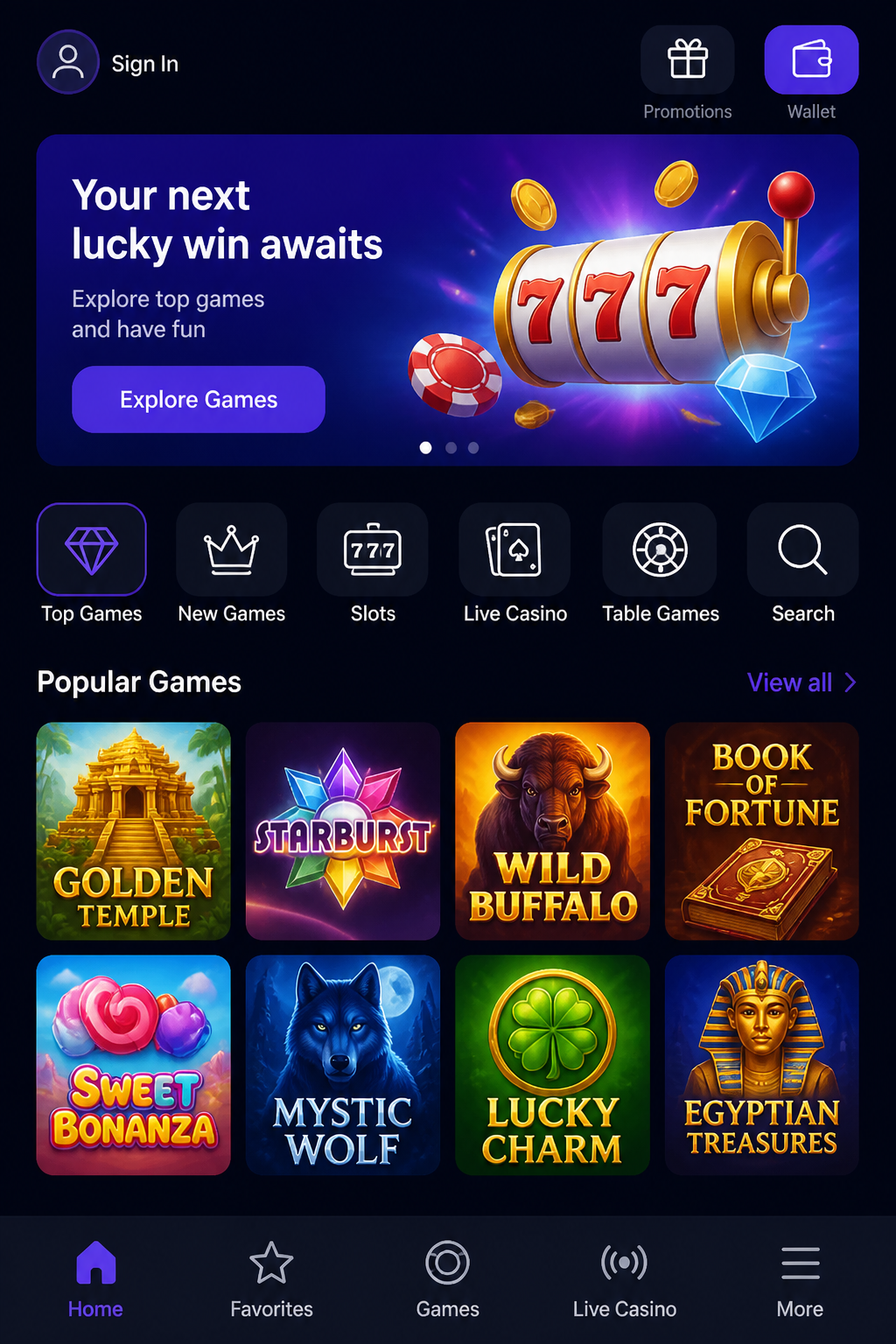
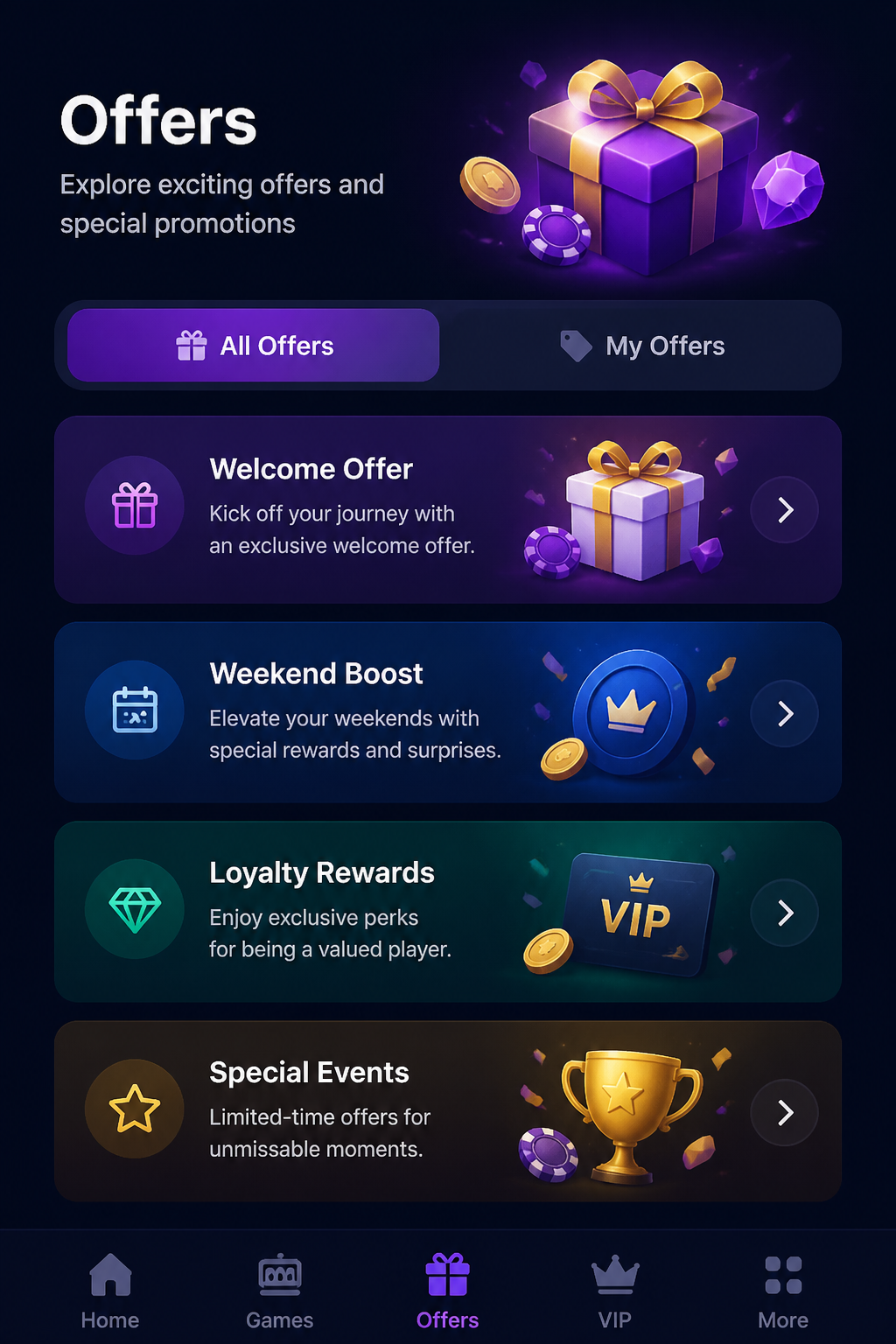
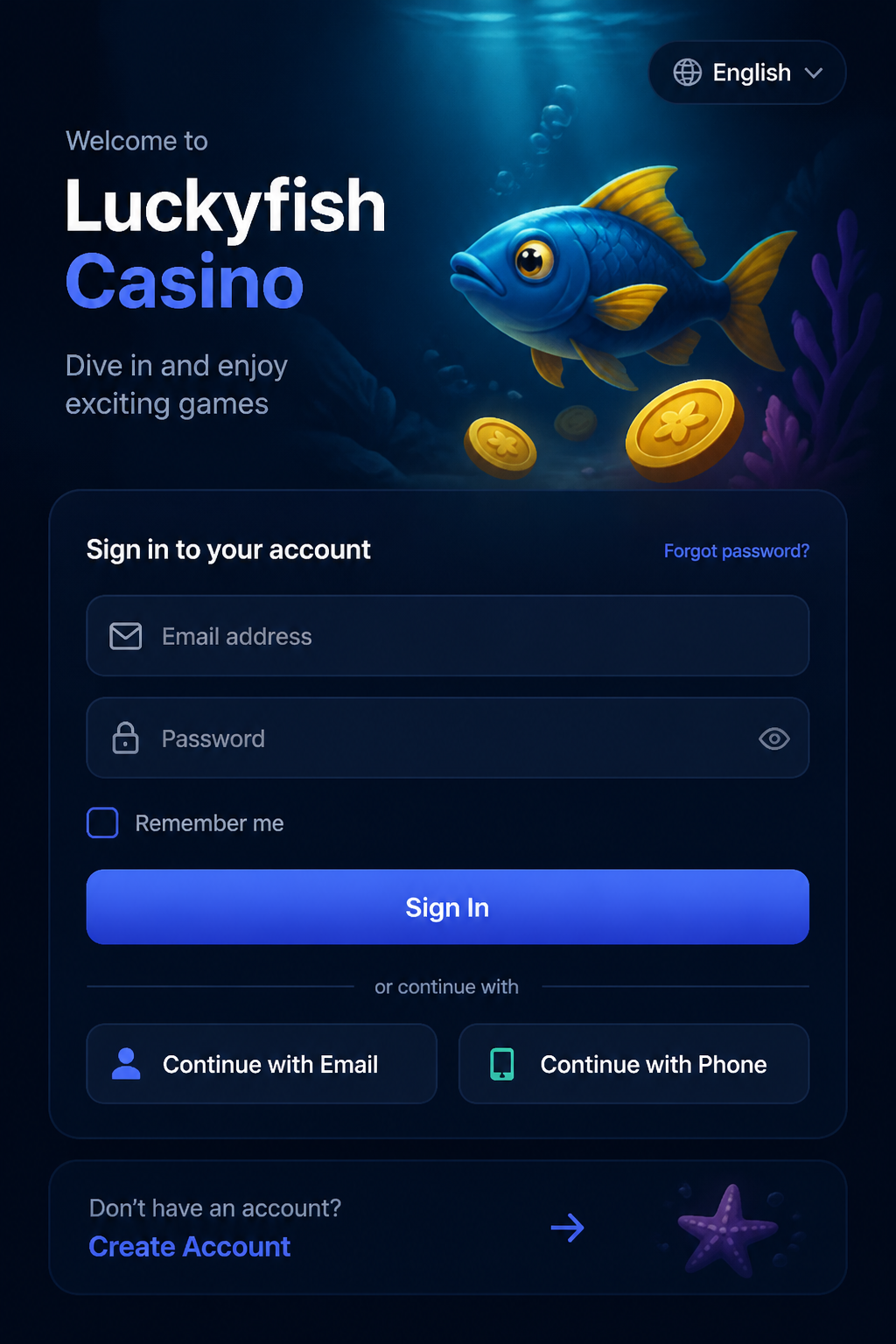
Using a casino on a phone is mainly about readable controls, reliable navigation and account safety rather than a download badge. A separate official Luckyfish Casino application for Android or iPhone has not been independently confirmed in this guide. The focus is therefore on browser access, home-screen shortcuts and practical checks that require no unverified installation.
We look at game discovery, cashier interaction, security settings, accessibility and the steps to take when a round appears interrupted. Some features may differ across devices or account regions; those differences are not presented as confirmed Luckyfish capabilities without evidence. The stated welcome offer remains 100% up to €100 + 50 FS.
| Mobile route | Use a supported browser to test the website |
| Android | Separate official app not independently confirmed |
| iPhone | Separate official iOS app not independently confirmed |
| Game controls | Check smaller-screen readability |
| Payments | Cashier choices vary by account and region |
| Security | Protect passwords, device and official address |
A phone is more than a smaller desktop
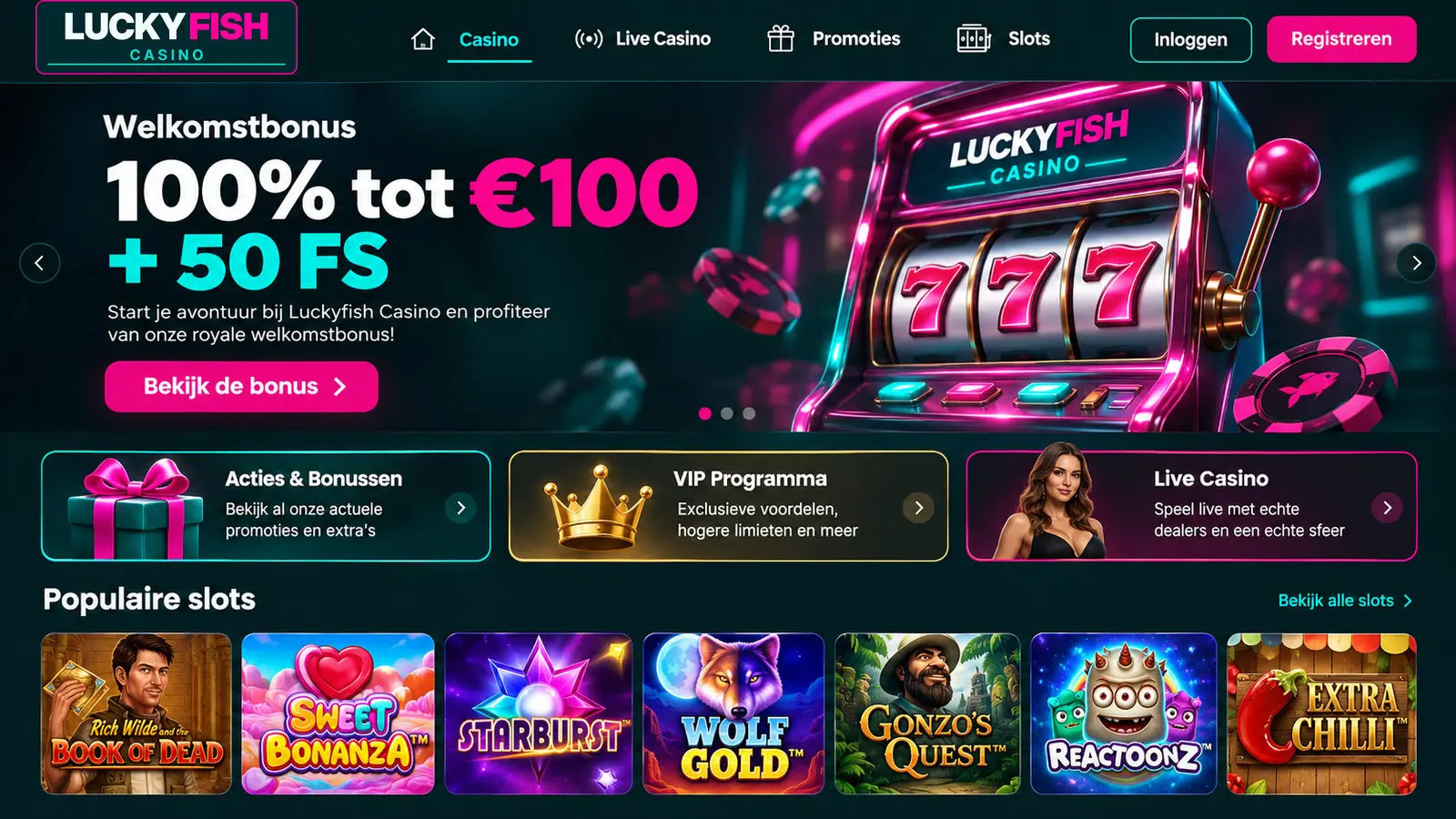
Opening Luckyfish Casino on a phone creates a different task from using a laptop. Controls are touched rather than clicked, interruptions happen more often and there is less room for explanatory text. Important information needs to remain accessible without constant zooming. Judge the real navigation rather than a marketing screenshot: can a visitor locate a game, review account settings and log out comfortably?
No mobile layout works identically on every device, but essential controls should behave predictably. A menu covered by a banner can cause accidental taps. Try portrait mode first and then rotate the device to see what changes. A small visual defect around payment confirmation or account limits matters more than a similar defect in a decorative picture.
Try navigating the site before signing in or funding the account.
Browser access or an official download?
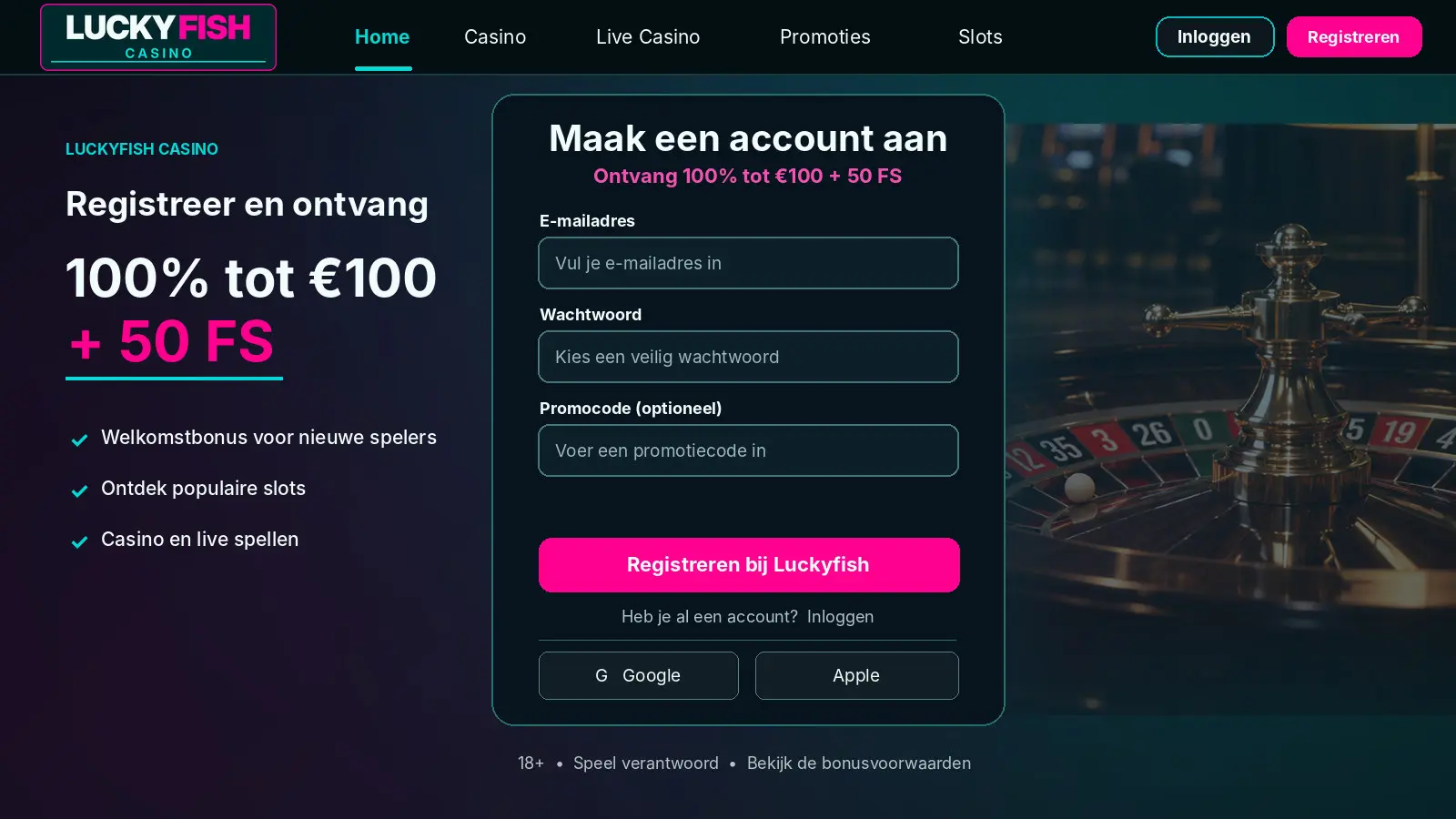
Many modern sites feel app-like in a mobile browser. Still, a website, a home-screen shortcut and a separately installed application are not the same product. An independent official Luckyfish Android or iOS application has not been verified here. It would therefore be wrong to promise an APK or App Store download. Unofficial installation files can also create security risks beyond the normal risks of gambling.
If quick access is important, a bookmark in a trusted browser may be sufficient. Verify the address independently. Avoid software offered through unsolicited messages promising extra spins or faster payouts. Such promises do not establish that the file is official, and a copied logo is not proof that a download belongs to the real operator.
The word app in a page title does not establish that an official download exists.
Testing the mobile game catalogue
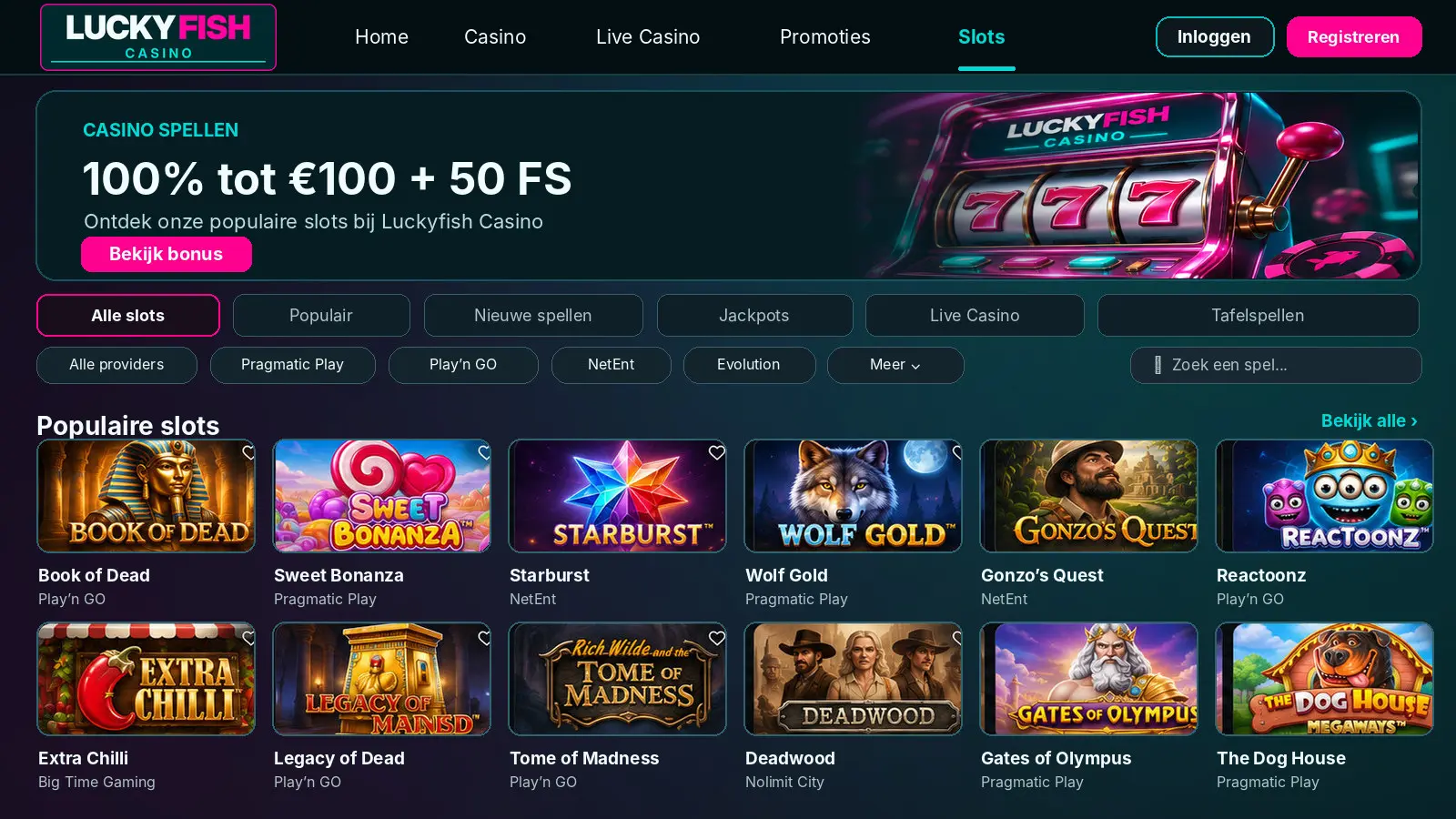
On mobile, a usable game catalogue depends on navigation and accessible information. Check whether categories are reachable without endless swiping and whether any search field remains comfortable when the keyboard opens. Available games can differ because of location, provider restrictions or device compatibility. For that reason, no fixed Luckyfish game list is presented without checking the relevant current catalogue.
Read the game instructions before entering full-screen mode. Some interfaces reposition buttons when the phone rotates. A tap next to the intended control is particularly inconvenient when it affects a wager. Make sure the current stake and balance remain legible throughout. Smooth animation is not a substitute for clear interaction design.
Check that you can leave a game without placing another bet.
Accessibility has practical value
Not every visitor has a large phone or the same visual and motor needs. A comfortable mobile site should allow someone to read conditions without constant pinching and zooming. Pop-ups should not cover important controls and information about limits should remain legible. This is not a technical benchmark; it is the ordinary question of whether people can understand the screen at a reasonable pace.
Device accessibility settings may help enlarge text, but the website still needs to respond sensibly. If tables or payment controls slide off the visible area, important details can be missed. Test the bonus conditions, help routes and cashier because those are the places where invisible text or a misplaced tap can have real consequences.
Readability matters more than how many visual effects appear on screen.
A mobile deposit is still a payment
Mobile deposits may involve extra steps such as bank authentication or switching between browser and payment windows. The routes actually supported by Luckyfish depend on the cashier available to the relevant account and have not been comprehensively verified here. Card payments, digital wallets and bank-based methods are broad international categories, not a confirmed list of methods supported by every Luckyfish account.
Before confirming, review the amount, currency and payment recipient. If the payment window responds slowly, do not immediately repeat the same instruction. Check the transaction status with the provider and in the casino account first. Repeating a seemingly unresponsive tap can otherwise create a duplicate payment or make later support correspondence harder.
Keep the payment reference, not full card numbers or login credentials.
Phone security starts with the account
A mobile login may expose personal details and access to funds, so start with a unique password, a locked device and any genuinely available extra authentication. Do not hand a signed-in phone to someone else or upload sensitive documents over an untrusted connection. A polished mobile interface says nothing about the legitimacy of an unexpected message claiming to come from support.
Pay attention to notifications too. Some may concern account activity, while others are promotional prompts encouraging another visit. Disable unnecessary marketing alerts if they interfere with your boundaries. You do not need a stream of casino notifications to understand an account balance or a payment status. Return independently through the correct address when you need information.
An unexpected request for a one-time access code should not be treated as routine.
What if a round appears frozen?
A broken connection does not automatically mean a bet was cancelled. A round may have been processed while the phone still displays an old screen. First inspect the balance and game history. Record the game name, time and any round identifier. This gives support a more useful starting point and avoids the temptation to replay an action simply because the display has not refreshed.
A page reload may help a visual issue, but keep relevant references first. Avoid wiping all browser data or clearing records while a payment or round dispute is unresolved. Do not install an unofficial recovery tool offered in a chat. Account and round records are more useful than a quick technical trick that nobody can verify.
Hold off on another wager until the earlier round is understood.
Convenience should not become an automatic prompt
Having a casino accessible from a pocket can remove friction, which makes personal boundaries more important. Decide how long a session may last and what amount marks a stopping point. Use a device reminder or choose not to create a home-screen shortcut if that helps. A mobile session does not become low-risk merely because individual bets seem small; the number of rounds and total time still matter.
If visits begin to interrupt work, travel or sleep, taking a break may be useful. A deliberate sign-out routine and fewer promotional notifications can create healthier friction. Any account limits or exclusion options should be checked for their actual scope and duration. The choice not to play remains available regardless of how convenient the website becomes.
Mobile access should remain a conscious choice, not an automatic habit.
A small device compatibility test
Mobile usability can be checked in more than one way. Open the same information page on a normal phone, increase text size and see whether menus and tables remain within the screen width. A stable browser experience should not depend entirely on one model of device. If something goes wrong, the device and browser versions can help genuine support identify the issue.
Luckyfish mobile access is best assessed through usability, control and security. A separate official download is not confirmed here. Avoid unknown installation files, protect account details and never let convenience override personal limits.
Convenient sign-in has a security cost
Mobile browsers sometimes offer to remember account credentials or payment details. That may feel convenient, but consider whether anyone else uses the device. Automatic sign-in on a shared phone is rarely a good idea. Check whether password recovery follows a recognisable official process rather than the first link appearing in a random message. If a session unexpectedly signs out, verify the address before entering personal information again. Secure mobile use is not simply a quick-loading page; it is also knowing that sensitive actions take place through the right service and that other people cannot open the account casually.